 Mo Explains
If you'd rather watch than read, I made a three-minute video that covers the same ground.
A lot of phone scams don't break into your phone at all. They get you to open the door for them, and on Android, that door is usually Accessibility.
Google is making that door harder to open on older phones. It doesn't stop every scam, though, so it's worth knowing what changed and what didn't.
What changed in Android scam call protection?
Phones on Android 15 and earlier get an extra layer of in-call protection, aimed at one trick: apps asking for accessibility permissions during a call.
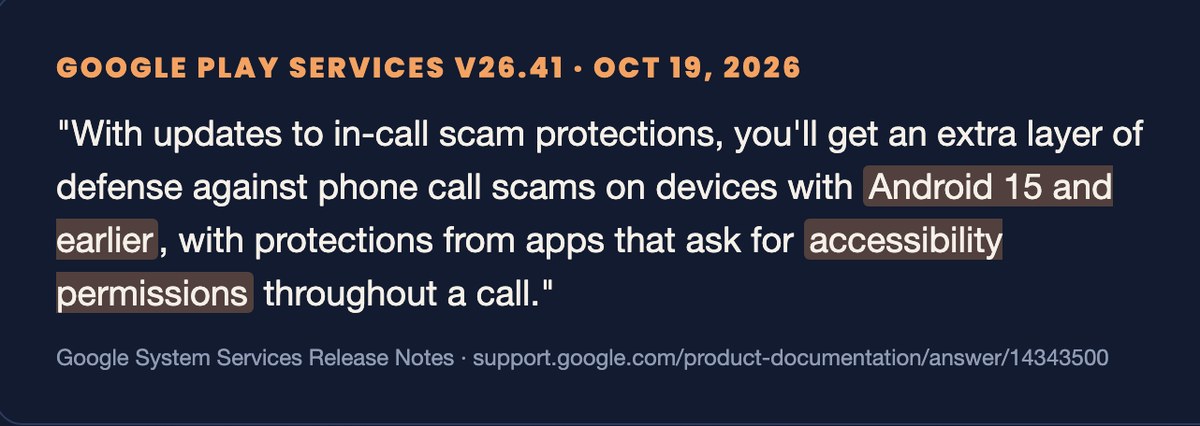
In Google's own words, from the October 19 release notes for Play services v26.41, you get "an extra layer of defense against phone call scams on devices with Android 15 and earlier, with protections from apps that ask for accessibility permissions throughout a call." That one sentence is all Google published. It doesn't say what you'll see on screen, or when every phone gets it.
Why does accessibility access matter so much?
An app with accessibility access can read what's on your screen and tap things for you.
Android's help page on restricted settings says an app with that access "can read content on your screen and interact with apps on your behalf." Screen readers need exactly that, which is why Android lets apps ask. In the wrong hands it's a different story, and Google's 2025 Android security post says granting it "can give a newly downloaded malicious app access to gain control over the user's device and steal sensitive/private data, like banking information."
How does the scam usually go?
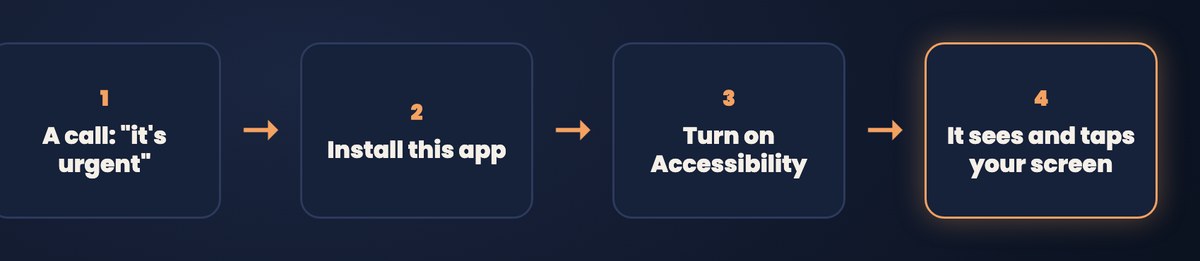
Someone calls, makes it urgent, gets you to install an app, and then talks you into switching on accessibility for it.
They say they're your bank, or tech support, or a delivery company, and there's a problem that has to be fixed right now. So you install the app they point you to, and then it "needs one more setting to work." Google says phone scammers often try to get people to grant "elevated permissions to an app." The AI scams I wrote about run on the same kind of pressure.
Didn't Android 16 already do this?
Yes. Android 16 got in-call protection in 2025, and this update pushes an extra layer down to older versions.
On Android 16, during a call with someone who isn't in your contacts, Android stops you from turning on accessibility permissions, sideloading an app for the first time, or switching off Play Protect. The new layer for older phones comes through Google Play services, so you don't need a full system update.
How do I check if my phone has it?
Check two numbers, your Android version and your Google Play services version.
- Open Settings > About phone and look for your Android version. If it says 15 or lower, this update is meant for you.
- Open Settings > Apps > Google Play services and look at the version. 26.41 or higher means the update has landed.
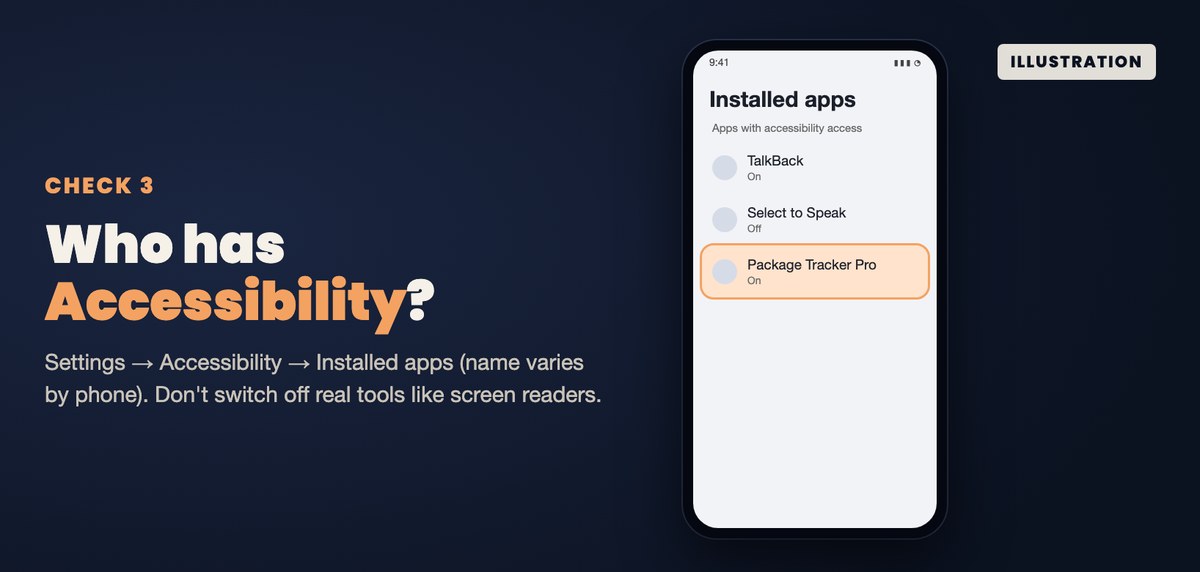
- While you're in there, open Settings > Accessibility and look at the apps that have access. Samsung calls that list Installed apps. If something's on there you don't recognize and didn't set up, look it up before you leave it on.
One caveat. A version number tells you the update arrived, but it doesn't prove the protection is on yet, because Google hasn't said how or when it switches on.
What this update doesn't do
It doesn't stop the call, and it doesn't stop you from sending money or reading out a code.
And on older phones, Google hasn't said whether it only kicks in with numbers that aren't in your contacts, the way Android 16's does. So the rule doesn't change. If anyone on a call asks you to install an app or change a setting, hang up, and call back on the number from your card or the company's website.
My take is simple. With AI in the mix, a lot of things are just very easily exploitable now, so you have to up your caution level. Be safe out there, and watch out for yourself.
Related reading: AI scams in 2026: romance fraud and voice cloning | PHP2Shell: the PHP bug AI found | The free AI Off-Switch Checklist | New to AI? Start here