 Mo Explains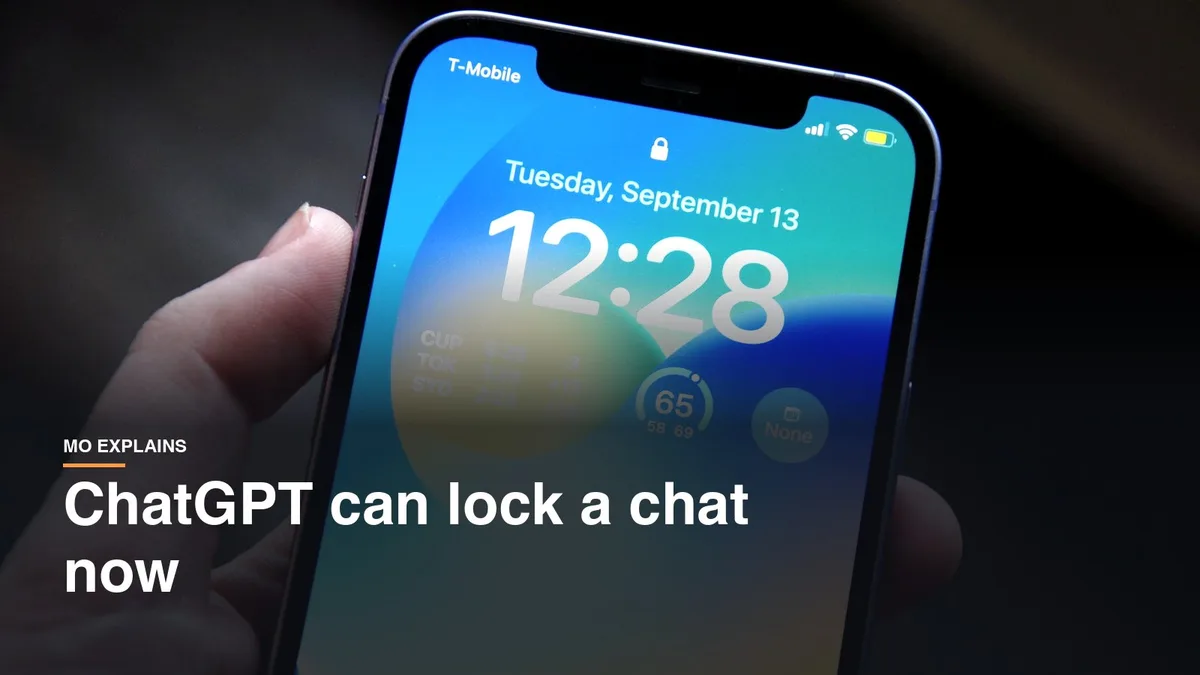
Think about what you've typed into ChatGPT lately. For a lot of people it isn't just recipes any more. It's your monthly bills so it can build you a budget, or how to talk to a family member about something hard. None of that is a bank password, but it's still private, and until now it sat right there in your chat list whenever you shared your screen or handed someone your device.
ChatGPT just rolled out locked chats, and honestly, I think this should have existed earlier. People are getting comfortable with AI and sharing more, so it's right on time now.
What ChatGPT locked chats do
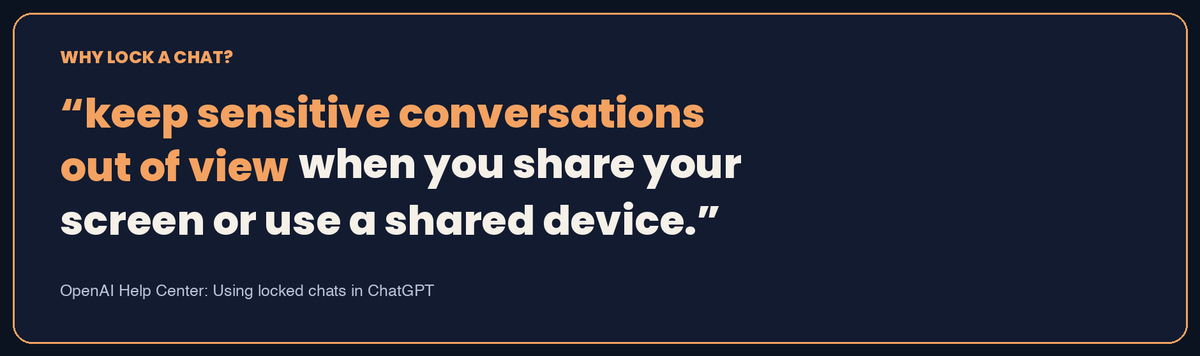
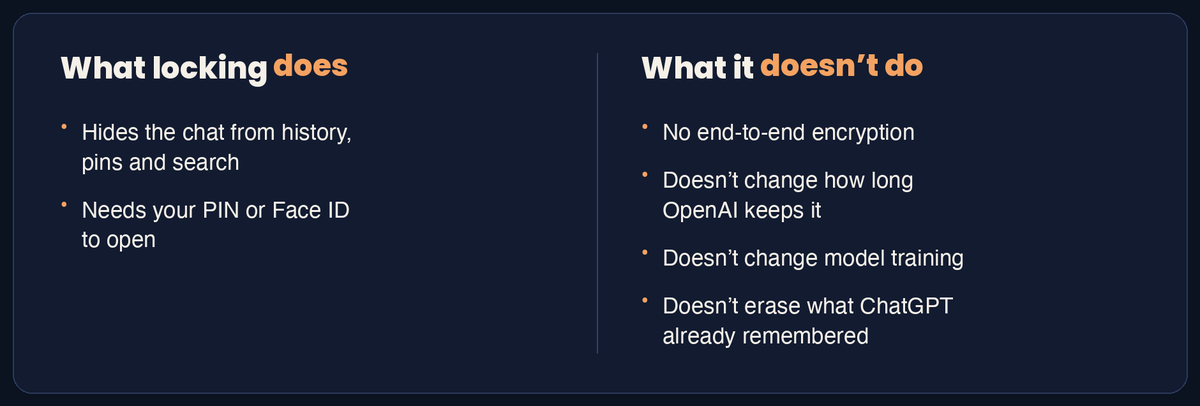
A locked chat stays in your account but is hidden from your regular history, your pinned chats and search. OpenAI's help page says the point is to "keep sensitive conversations out of view when you share your screen or use a shared device."
You open locked chats with a four-digit account PIN. If you turn it on, an iPhone can use Face ID or Touch ID instead, and an Android phone can use its normal unlock.
How to lock a chat in ChatGPT
Locking takes four taps and a PIN.
- Open the conversation you want to protect.
- Tap the three-dot menu.
- Tap Lock chat, then Lock chat again to confirm.
- The first time, create a four-digit PIN and enter it again.
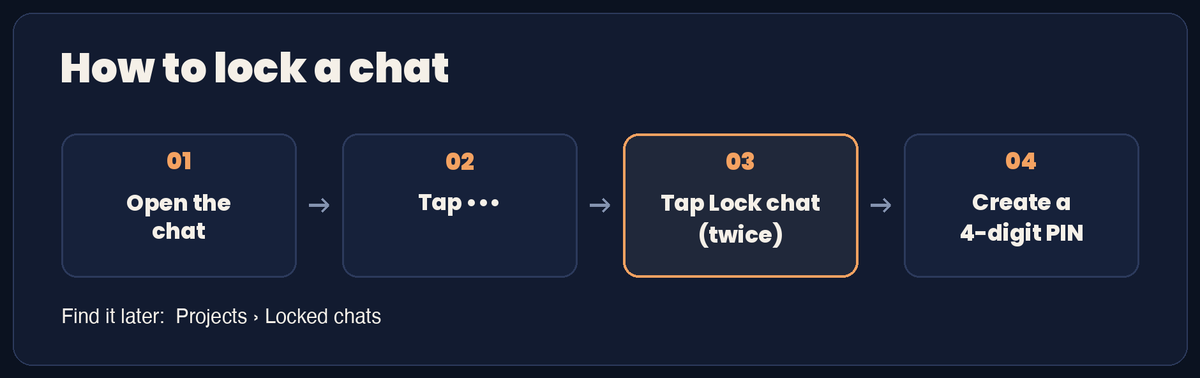
The chat then moves to Projects > Locked chats. To turn on Face ID or Touch ID on an iPhone, go to Settings > Security and login > Account PIN. On Android, choose Use device unlock when it asks.
On your phone, locked chats lock again after a minute away or a minute in the background. On the web, refreshing or closing the tab locks them.
How this compares with iPhone's Messages lock
ChatGPT locks one conversation at a time, while iPhone locks the whole app. On an iPhone you can lock the Messages app itself with Face ID, Touch ID or your passcode, according to Apple's guide. That covers every conversation at once. ChatGPT's version is narrower: you lock just the one conversation and leave the rest of your chats alone.
What a locked chat doesn't protect
Locking is about who can see the chat on your screen. OpenAI says plainly that it doesn't:
- add end-to-end encryption or a separate vault
- change how long OpenAI keeps the chat
- change your Improve the model for everyone setting
- remove anything ChatGPT already remembered before you locked it
Anyone who can open a locked chat can still copy what's in it. So the usual advice from what not to share with ChatGPT still stands: passwords and account numbers stay out, locked or not.
If you'd rather a conversation never lands in your history at all, use a temporary chat instead. OpenAI says temporary chats stay out of history and aren't used to improve its models while they stay temporary.
If you don't see Lock chat yet
It's probably still on its way to your account. OpenAI says locked chats are rolling out gradually on Free, Go, Plus, Pro, Business, Enterprise and Edu, so if Lock chat isn't in the three-dot menu, it may not have reached you yet. It works on the web, and if you use the desktop app, you'll need the new ChatGPT app for macOS or Windows. Some chats can't be locked, including temporary, archived and group chats, plus a few other types.
Pick the one chat you'd least want on a shared screen and lock it this week, then keep that PIN somewhere you'll find it.
Related reading: What not to share with ChatGPT | Gmail's AI features, and how to turn them off | New to AI? Start here