 Mo Explains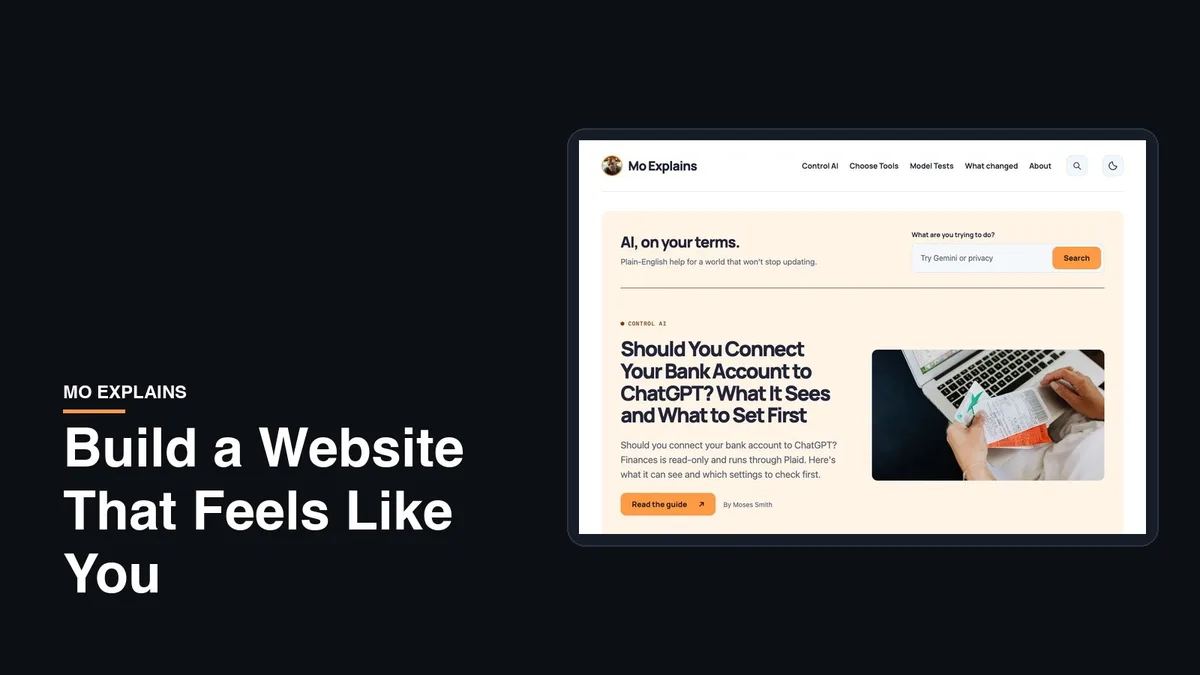
Last updated: 2026-10-09
LinkedIn covers the job side of me, and it does that fine. But I'm more than my job. I build free iPhone apps, I write fiction, and I run this site, and none of that fits on a resume. So I wanted a home base, one page that's actually all of me.
This is how I build my own sites, including Mo Free Apps and Mo Explains itself. The prompting is the easy part. The real work is getting the site to a place where it captures everything you're looking for.
Step 1: Give it the real you first
Start by gathering the stuff the page is actually about. That's your name, a few sentences about what you do, the other things you're into, two or three real photos, and how people should reach you.
This matters more than any clever prompt. When AI doesn't have real material, it fills the gaps with a made-up bio and a generic look, and that's where the "every AI site looks the same" problem comes from. Jenny Ouyang makes the same point in her guide to personalizing an AI-built site: the fix starts with replacing what the AI invented.
Step 2: Have it research a design, then show you a draft
This is the step most guides skip, and it's the one I always start with. Instead of saying "make me a website," I hand over all my information and ask the AI to research what a good site for someone like me looks like, then build a draft I can see.
In Claude, something like this works:
Here's everything about me: [paste your info]. Research what makes a great personal website for someone who does these things, and suggest a layout and a look. Then build it as a single page I can see right here. Use only my real information and don't invent anything. If something's missing, ask me.
Claude shows the page right in the chat as an artifact, so you're looking at a real page in a minute or two instead of a description of one. ChatGPT can write the same page, too.
The last line of that prompt saves a lot of cleanup, because it stops the AI from inventing a job title or a testimonial you never had.
Step 3: Iterate until it feels like you
The first draft will be fine and forgettable. That's normal. Now you look at it and ask yourself five questions:
- Can a stranger tell who I am in five seconds?
- Does this feel like me, or like a template?
- Is every photo and claim actually true?
- Is anything cramped or hard to read?
- Can someone figure out how to reach me?
Pick the single biggest problem and ask for that one fix, in plain words. "The intro sounds like a corporate brochure, rewrite it the way I'd say it out loud" gets you further than "make it better." Then look again and fix the next thing. One change at a time matters, because when you ask for five things at once you can't tell which one broke the layout.
I learned this on this site. The first full redesign of Mo Explains passed every automated check and still looked, in my words at the time, like a ninth grade web project. It took round after round of specific feedback to get it where it is now.
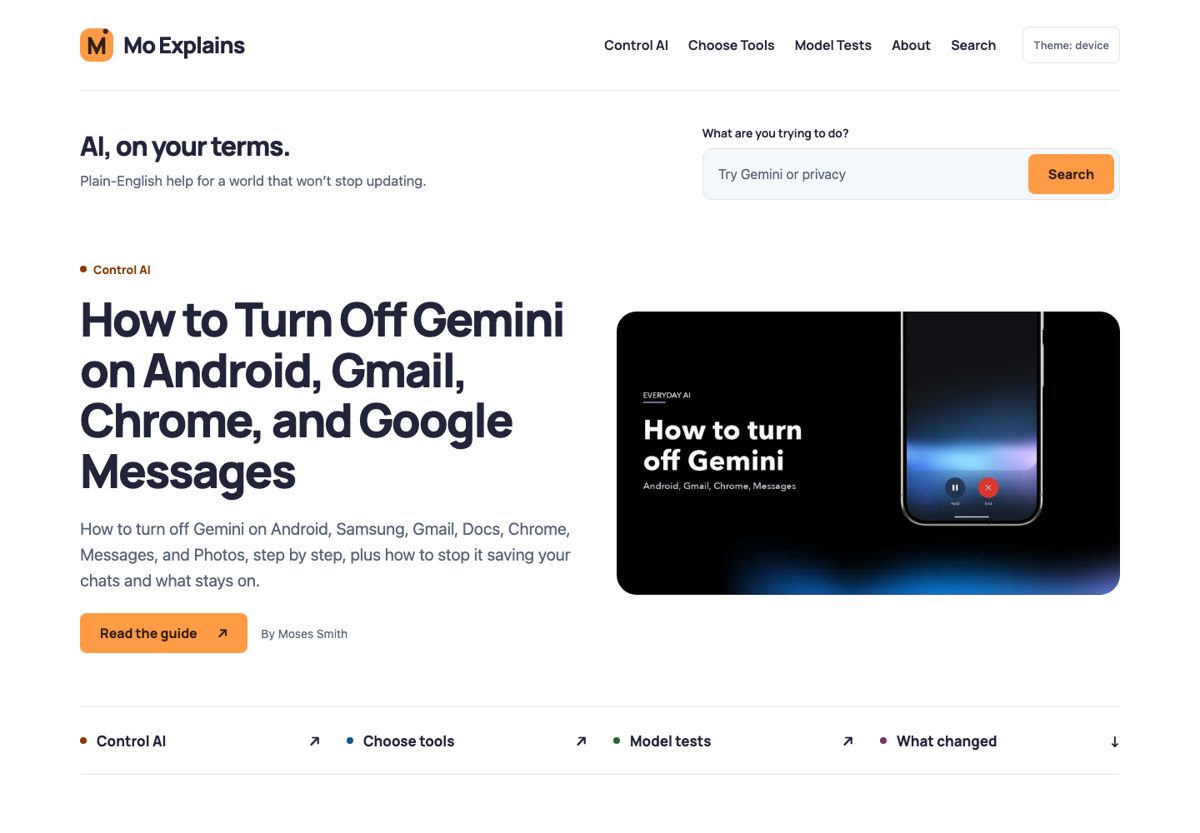
Here's the stopping rule I'd use: when all five questions get a yes, it's ready. A personal page doesn't need to be perfect. It needs to be clearly you and easy to contact.
Step 4: Test it like a visitor, then have the AI test it too
Before anyone else sees it, use it like a stranger would. Open it on your phone, tap every link, read every line out loud, and try to break it. Then ask the AI to do the same thing: "Go through this page as a first-time visitor on a phone and list anything broken, confusing or hard to read." It catches different things than you do.
Once neither of you can find anything wrong and it looks the way you want, it's time to publish.
Step 5: Publish it for free
I deploy my own sites on Vercel and Cloudflare, but you don't need anything that technical for one page. Ask the AI to give you the page as a single HTML file, download it, and drop it onto a free host. Cloudflare Pages and Netlify Drop both let you upload files and get a public link, no code involved.
Why not just share the Claude chat? According to Anthropic's help page on sharing artifacts, people need a Claude account to open a shared one, and that's not what you want for a page strangers will visit. Once it's live, open your new link in a private browser window to make sure it works for everyone. If you want yourname.com later, you can buy a domain and connect it to either host.
What AI still needs you to do
AI does the building, but two calls stay with you. It can't know whether what it wrote about you is true, and it can't tell whether the page feels like you. Your life will change too, so plan on coming back to update it. Every update works like the first build: say what you want changed, check it, and publish again.
If you want to see how far this kind of building goes, my guide to building an app without coding takes the same idea further.
If you build one, I'd love to see it.
Related reading: Build an app without coding | Claude Design review | New to AI? Start here